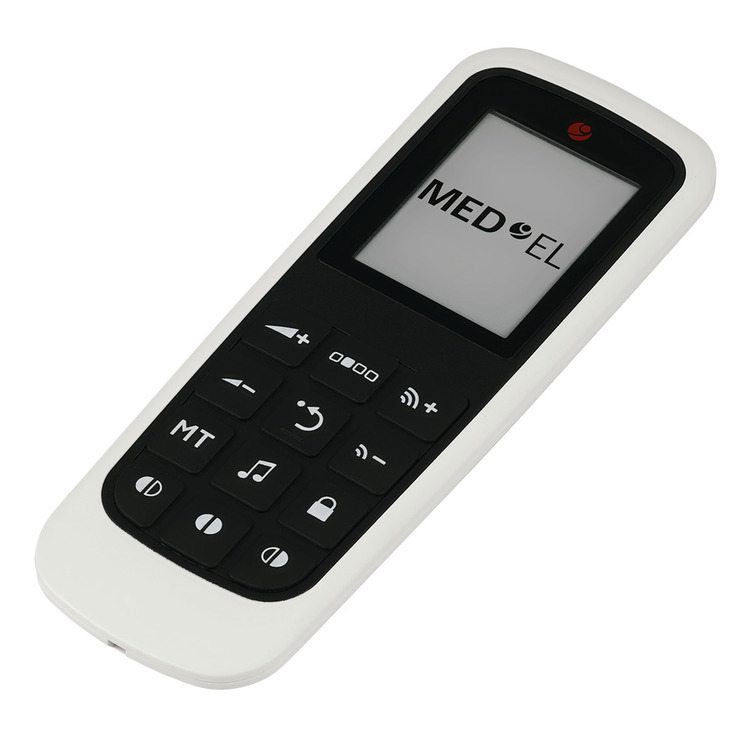
MED-EL FineTuner Echo remote control for SONNET2. SONNET 3 & RONDO 3
Code: DCM39212
-
VAT
Choose quantity
Order now for next working day dispatch.
Description
With the MED-EL FineTuner Echo, you can quickly change the settings on your SONNET 3, SONNET 2 or RONDO 3 and make the most of your hearing. (This DCM39212 is also backwards compatible with earlier RONDO & SONNET models)
Please note that the previous DCM37572 FineTuner Echo (yes they both have the same name!) is not compatible with the SONNET 3.
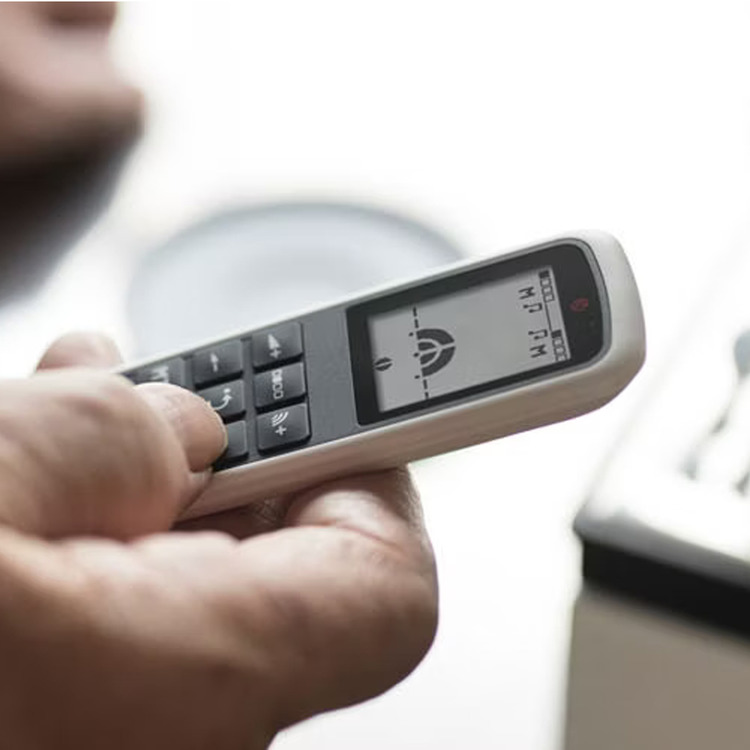
Adjust the volume, switch between programs, or start streaming with AudioLink—all at the press of a button. The pocket-sized FineTuner Echo makes it easy to change settings, so you can hear the world how you want to. The FineTuner Echo’s intuitive display screen makes it simple to adjust settings—even if you’re not a digital native! What's more, the e-ink display makes the FineTuner Echo's screen easy to read on sunny days.
Think there might be a problem with your audio processor? The FineTuner Echo allows you to test the microphones of your audio processor, so you can quickly check if your device is working correctly.
Please note that if you have previously used the FineTuner, a change to your processors configuration is required by the Cochlear Implant Centre. Once this has been done you will no longer be able to use the original FineTuner. If you are a NEW Fine Tuner Echo user, please gain permission for your purchase from your CI centre in order that they can make the required changes.
Contents: FineTuner Echo, Battery, Opening tool, Lanyard & Cleaning cloth
MED-EL part number: 39212
Please note that this product is excluded from the Connevans extended returns policy
Details
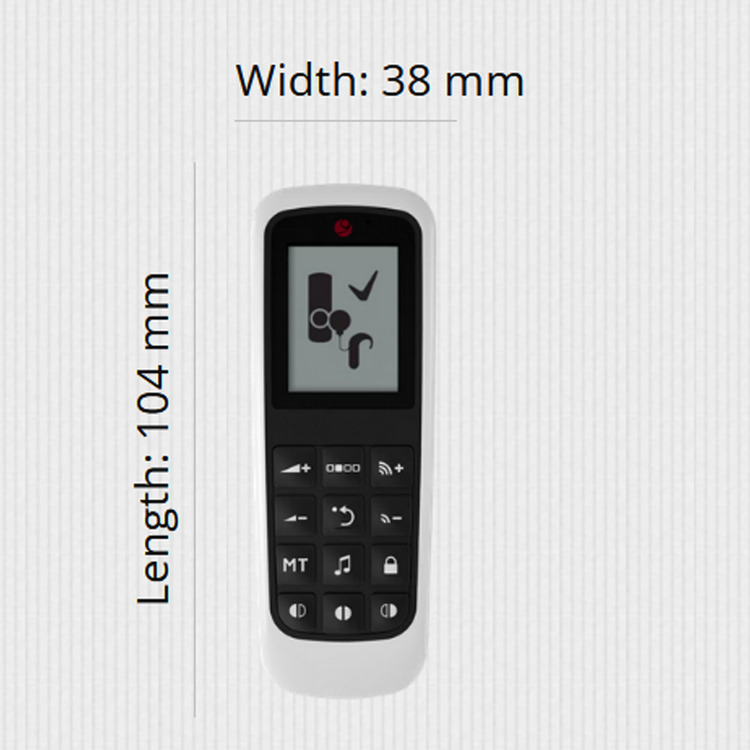
Dimensions 104mm x 38mm
Help Centre
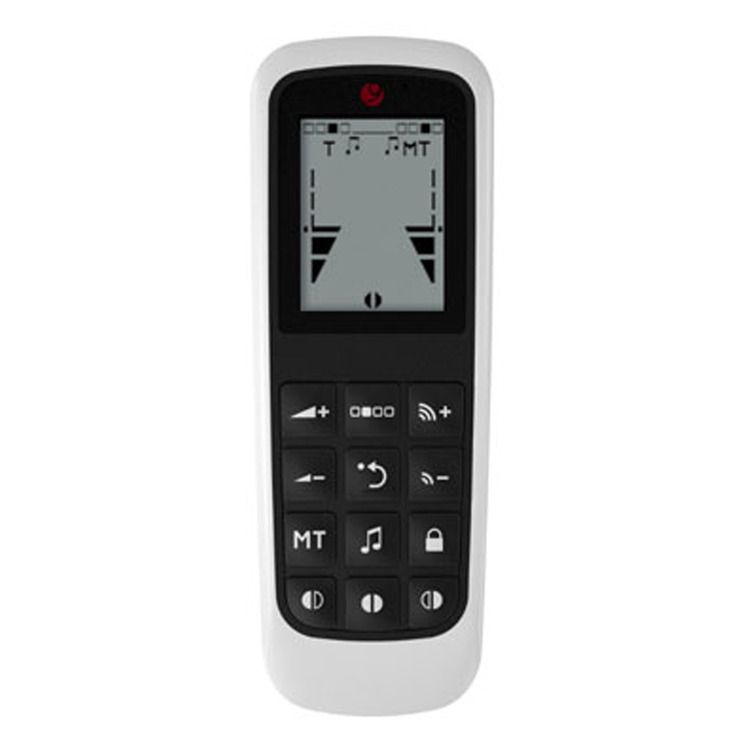
All FineTuner Echo functions can be performed with either the
left processor, right processor, or both processors. To choose
which processor or processors you wish to perform the function
with, press the corresponding processor selection key.
- To turn up the volume with the FineTuner Echo, press the Volume + key.
- To turn the volume down, press the Volume - Key.
- To increase the sensitivity of your audio processor's microphones, press the upper Sensitivity key. This will increase the range of the microphones, but may also increase levels of background noise.
- To decrease the sensitivity of your audio processor's microphones, press the lower Sensitivity key.
- The Default key sets volume and sensitivity back to predefined values set by your audiologist. Pressing default will not change your program.
- To select a program, press the Program Selection key.
- To switch between hearing sound from your microphones, telecoil, or microphones and telecoil, press the MT button.
- To activate the connection with AudioLink, press the Audio Streaming Key.