Starkey Starlink 2.4GHz Remote Control 2.0 for Edge AI, Genesis AI, Essentia (wireless), Evolv AI, Livio AI and Livio hearing aids
Code: 3YP0002347
-
VAT
Choose quantity
Please allow 2 or 3 working days for dispatch of this product
Description
The Starkey Starlink Remote Control 2.0 is for use with the Starkey Edge AI, Genesis AI, Essentia (wireless), Evolv AI, Livio AI and Livio hearing aids. Also compatible with Audibel Intrigue AI and Arc AI hearing aids.
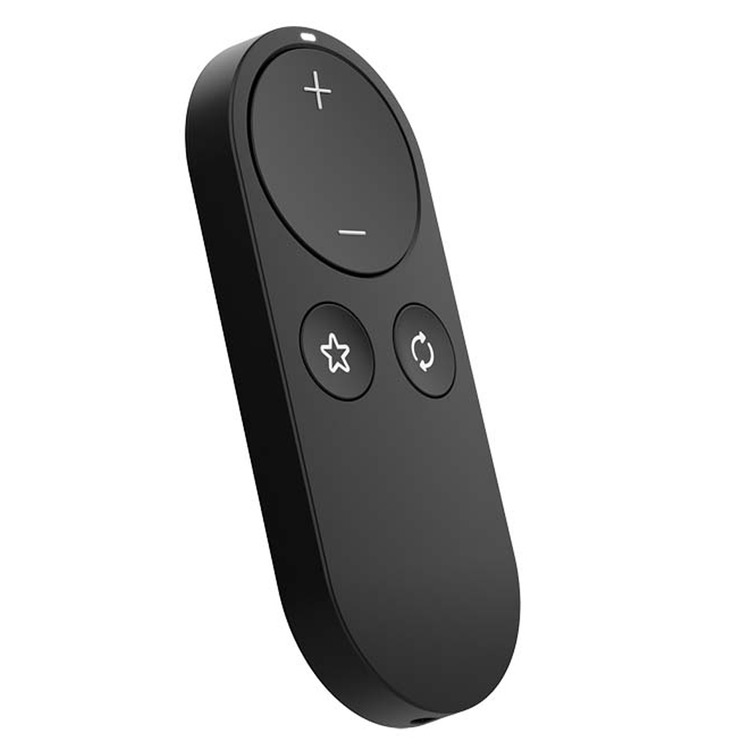
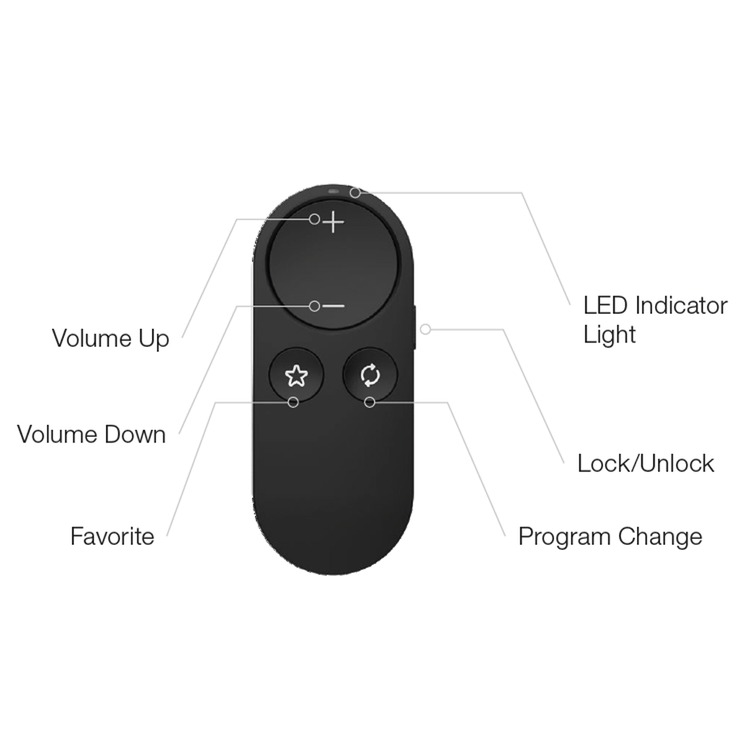
Starkey Starlink Remote Control 2.0 has been redesigned for maximum simplicity and lets users easily control volume, change programs and quickly access a favorite feature. It is supplied with a replaceable cell battery (CR2032) and handy lanyard.
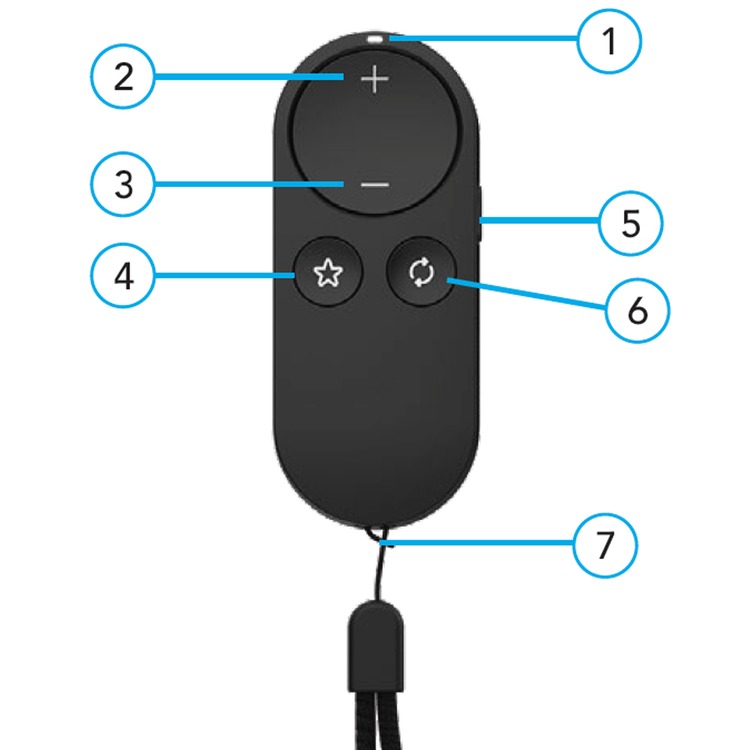
Features
1. Indicator light
2. Volume Up
3. Volume Down
4. Favourite
5. Lock/Unlock switch
6. Program change
7. Lanyard - included accessory
Details
To pair with hearing aids:
Before using your Remote for the first time, you’ll need to
pair it with your hearing aid(s). This allows your accessory to
recognize your hearing aids so they can work together.
STEP 1: Turn your hearing aids OFF and ON.
For CROS hearing aid systems: Turn OFF your hearing aids and
CROS transmitter. Next, turn ON your hearing aids but leave the
CROS transmitter OFF.
STEP 2: Pair your Remote with your hearing aid(s):
1. Place your hearing aids within 6 inches of your Remote.
2. Press and hold the Favorite button for 5 seconds until the
indicator light starts rapidly blinking.
3. For a set of hearing aids or for a single hearing aid:
With successful pairing the Indicator light becomes solid for 2
seconds, but with unsuccessful pairing the indicator light does not
become solid for 2 seconds. If unsucessful repeat STEP 1 and
2.
4. Check for successful setup by pressing the Volume up or
Volume down button and confirming the hearing aid volume adjusts
accordingly.